
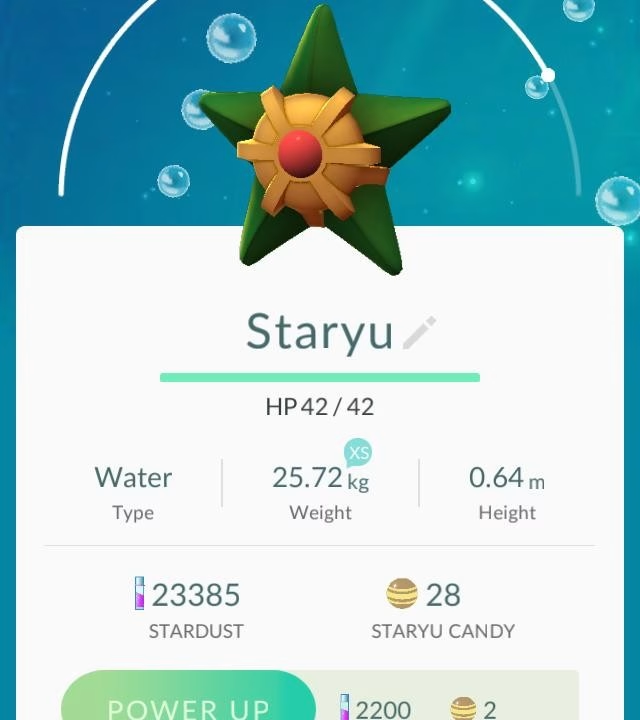
Pokémon GO has evolved significantly since its launch in 2016, transforming from a simple location-based game into a complex live-service experience with raids, PvP battles, Mega Evolutions, routes, and dynamic seasonal content. While these additions have made the game more engaging, they have also increased the likelihood of technical issues, particularly visual bugs. One of the most commonly discussed problems among players is the so-called “type bug,” where Pokémon types, icons, or related UI elements appear incorrectly on-screen. These issues often confuse players during battles and raids, even though they usually do not affect the underlying gameplay calculations.
Players frequently report cases where type icons display the wrong color, move buttons appear with incorrect elemental backgrounds, or battle interfaces fail to show proper type indicators. Niantic’s official Known Issues page has repeatedly acknowledged visual bugs related to UI rendering and interface inconsistencies. These problems are rarely game-breaking, but they highlight how complex Pokémon GO has become from a technical standpoint. To understand why these bugs happen, it is important to examine how the game handles rendering, data synchronization, and updates.
What Is the Pokémon GO Type Bug?
The Pokémon GO type bug is not a single issue but a category of visual glitches related to how Pokémon types are displayed within the game’s interface. These errors can appear in different areas, including the Pokémon summary screen, battle interface, move buttons, and raid lobbies. Players have shared examples where a Pokémon’s type color appears incorrect, where icons fail to load properly, or where visual elements overlap in unusual ways after updates.
In most cases, these bugs are purely cosmetic. The game’s internal calculations for damage, resistances, and effectiveness are handled on the server side, which means the mechanics still function correctly even if the visuals are misleading. However, because Pokémon GO relies heavily on visual cues to communicate type advantages, these bugs can still impact player decision-making during fast-paced battles or raids.
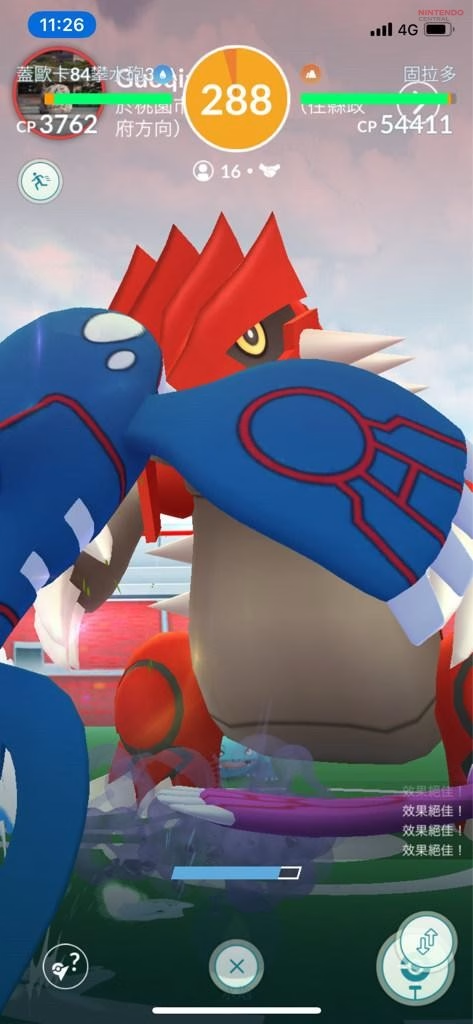
Why Pokémon GO Has Frequent Visual Bugs
One of the main reasons Pokémon GO experiences recurring visual bugs is the increasing complexity of its systems. The original version of the game was relatively simple, focusing mainly on catching Pokémon and basic gym interactions. Over time, Niantic introduced multiple layers of gameplay such as real-time PvP battles, weather boosts, Mega Evolutions, Shadow mechanics, and seasonal events. Each new feature added more UI elements, animations, and visual effects that need to function correctly across a wide range of devices.
As the game’s interface becomes more complex, the chances of graphical conflicts also increase. Research into mobile application development shows that apps with highly dynamic interfaces often face rendering issues, especially when updates introduce new assets or change existing ones. Pokémon GO fits this pattern because it constantly updates icons, textures, and visual systems as part of its live-service model.
Cached Data Conflicts Are a Common Cause
A major technical cause behind type bugs is cached data conflict. Pokémon GO stores graphical assets locally on the device to improve performance and reduce loading times. When a new update is released, these cached files may not always align perfectly with the updated assets downloaded from the server.
This mismatch can cause the game to display outdated or incorrect visuals. For example, a type icon might load with the wrong color because the device is referencing an older asset file. Similarly, move buttons might appear glitched if the cached version does not match the updated UI design. This is why many players notice visual bugs immediately after installing a new update.
Niantic often recommends clearing cache or refreshing game data to fix these issues, which confirms that cached assets play a major role in visual inconsistencies. While this solution works in many cases, it does not prevent new bugs from appearing with future updates.
Device Compatibility Creates Inconsistent Behavior
Another major factor is device compatibility. Pokémon GO is designed to run on a wide variety of smartphones with different hardware configurations, screen resolutions, and operating systems. This diversity creates challenges for developers because a visual element that works perfectly on one device may behave differently on another.
Older devices, in particular, are more likely to experience graphical glitches due to limited processing power or outdated graphics drivers. Even newer devices can encounter issues if the game’s rendering engine interacts differently with specific GPU architectures. Niantic’s Known Issues reports frequently mention device-specific bugs, which highlights how difficult it is to maintain consistent visual performance across all supported hardware.
The addition of augmented reality features further complicates the situation. AR mode requires the game to blend real-world camera input with digital overlays, increasing the chances of rendering conflicts and visual errors.
Server Synchronization Can Trigger Temporary Bugs
Pokémon GO relies heavily on real-time communication between the player’s device and Niantic’s servers. This synchronization is essential for updating battle data, Pokémon stats, weather effects, and event information. However, delays or interruptions in this communication can lead to temporary visual inconsistencies.
For instance, if the client loads a battle interface before receiving complete data from the server, it may display incorrect type icons or missing visual elements. These issues often resolve themselves once the connection stabilizes, which is why some bugs appear briefly and then disappear without requiring any action from the player.
Large-scale events can increase server load and make these problems more noticeable. During major events, players sometimes report unusual visual glitches that are likely caused by server strain rather than permanent software issues.
Why Type Colors and Icons Break Specifically
Type-related visuals are particularly vulnerable to bugs because they rely on multiple layers of graphical assets working together. Each Pokémon type has a specific color scheme, icon design, and UI background that must be rendered correctly in different parts of the game.
If any part of this system fails, the result can be incorrect or missing visuals. For example, a type icon might display the wrong color if the texture file fails to load properly, or a move button might show the wrong background if the UI layer is misaligned. These errors are often tied to asset loading issues or memory conflicts rather than deeper gameplay problems.
Community reports have shown examples of Fire-type moves appearing with Water-type colors or Steel-type icons displaying incorrectly after updates. These issues highlight how sensitive the visual system is to even small inconsistencies in asset management.
The Live-Service Model Makes Bugs Harder to Eliminate
Pokémon GO’s live-service structure is another reason why visual bugs continue to appear. Unlike traditional games that receive occasional updates, Pokémon GO is constantly evolving with new events, features, and content releases. This rapid update cycle increases the likelihood of new bugs being introduced.
Every update requires the integration of new assets, adjustments to existing systems, and testing across multiple devices. Even with thorough testing, it is nearly impossible to account for every possible combination of hardware and software conditions. As a result, some visual issues only become apparent after the update is released to millions of players.
Niantic also uses staggered rollouts for certain features, which means different players may experience different versions of the game temporarily. This can create inconsistencies between client and server data, leading to visual glitches.