Pokémon GO has evolved enormously since its launch in 2016, but even after years of updates, the game still experiences technical problems that frustrate players regularly. From crashes and login failures to GPS drift and disappearing Pokémon, bugs remain a common part of the Pokémon GO experience across both Android and iOS devices.
Some issues are temporary server-side problems caused by heavy event traffic, while others are linked to app cache corruption, network instability, or device compatibility problems. Official troubleshooting guides from Niantic confirm that many common Pokémon GO issues can often be resolved through updates, cache clearing, or refreshing game data.
Community discussions on Reddit and Pokémon GO forums also continue documenting recurring glitches that affect raids, Adventure Sync, Incense, PokéStops, and battle systems. While some bugs require official fixes from Niantic, many can be solved safely using standard troubleshooting methods.
Here is a full breakdown of the most common Pokémon GO bugs and the fixes players should know.
Frozen Loading Screen Bug
One of the oldest and most frustrating Pokémon GO issues is the frozen loading screen bug. Players often get stuck around the halfway point of the loading bar or remain trapped on the blue startup screen indefinitely.
According to Niantic’s official troubleshooting documentation, loading issues are commonly connected to unstable internet connections, corrupted cache data, or outdated app versions.
The safest fix is restarting the app completely. Many players also report success after switching between Wi-Fi and mobile data because Pokémon GO sometimes struggles to reconnect properly after network interruptions. Community discussions on Reddit have recommended disabling GPS temporarily before reopening the app, although success rates vary depending on the device.
If restarting fails repeatedly, clearing the app cache often helps. Android users can clear cache data directly through system settings, while iPhone users may need to reinstall the app entirely.
Niantic also recommends using the “Refresh Game Data” option found inside Advanced Settings. This feature refreshes game files without deleting account progress.
In more severe cases, reinstalling Pokémon GO completely may be necessary.
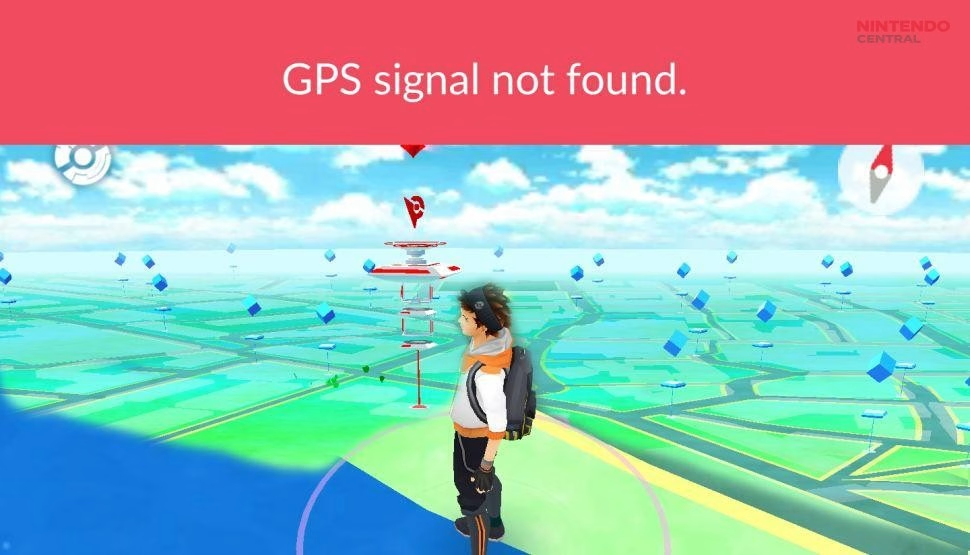
GPS Signal Not Found Error
The “GPS signal not found” error remains extremely common, especially in areas with poor connectivity or weak satellite signals.
This issue usually appears when Pokémon GO cannot accurately determine the player’s location. Buildings, underground areas, weather conditions, battery-saving settings, and disabled location permissions can all contribute to the problem.
Niantic’s support pages recommend enabling “Improve Location Accuracy” on Android devices and ensuring GPS permissions remain fully enabled.
Restarting location services often fixes temporary GPS failures. Players can also toggle airplane mode briefly to refresh network connections.
Another common cause is aggressive battery optimization settings. Some phones restrict background GPS activity automatically, which interferes with Pokémon GO’s tracking systems and Adventure Sync functionality.
GPS drift is a related issue where the avatar moves randomly despite the player standing still. While occasional drift is harmless and sometimes even beneficial for hatching Eggs, severe drift can interrupt raids or trigger soft speed warnings.
Stable internet connections and updated operating systems usually reduce GPS-related problems significantly.
Repeated Crashes and App Freezing
Repeated crashing became especially common after major Pokémon GO updates. Some versions introduce memory leaks or compatibility issues that affect certain phone models more severely than others.
Community troubleshooting guides frequently recommend restarting the device first because temporary RAM conflicts often cause instability.
If crashes continue, reinstalling the game is usually the most effective long-term solution. iMore’s Pokémon GO troubleshooting guide notes that deleting and reinstalling the app fixed repeated crashes for many iPhone users after problematic updates.
Lower-end Android devices are particularly vulnerable during events with heavy graphical effects or crowded map spawns.
Turning off advanced graphics settings, reducing background apps, and enabling battery optimization exceptions for Pokémon GO can improve stability.
Players should also keep operating systems updated because outdated firmware sometimes creates compatibility conflicts with newer Pokémon GO versions.
Adventure Sync Not Working Properly
Adventure Sync is one of Pokémon GO’s most useful systems, but it frequently breaks after updates or permission changes.
The most common complaint involves walking distance not registering correctly. Players may walk several kilometers only to discover that Eggs, Buddy Candy, or weekly distance rewards did not update.
Niantic’s support documentation explains that Adventure Sync depends heavily on health app permissions and background data access.
Google Fit permissions on Android and Apple Health permissions on iOS must remain fully enabled. Battery-saving restrictions can also disable Adventure Sync silently in the background.
Another issue occurs after using the “Refresh Game Data” option because it sometimes disables Adventure Sync automatically afterward. Niantic specifically warns players to re-enable the feature manually after refreshing data.
Restarting the phone and reopening fitness apps usually resolves most temporary sync problems.
Missing Pokémon, PokéStops, or Gyms
Sometimes players load into Pokémon GO only to find empty maps with no Pokémon, PokéStops, or Gyms visible.
This bug has existed in various forms for years and usually results from failed server synchronization or connection instability.
According to troubleshooting guides from iMore, force-closing the app and reopening it often resolves the issue after several attempts.
Weak internet connections are another common cause. Pokémon GO requires constant server communication, and even brief interruptions can cause map elements to disappear temporarily.
Some players encounter the issue after rapidly switching between apps or moving between Wi-Fi and mobile data.
Refreshing Game Data inside Advanced Settings is another reliable fix because it forces Pokémon GO to rebuild cached world information.
PokéStops Not Spinning Properly
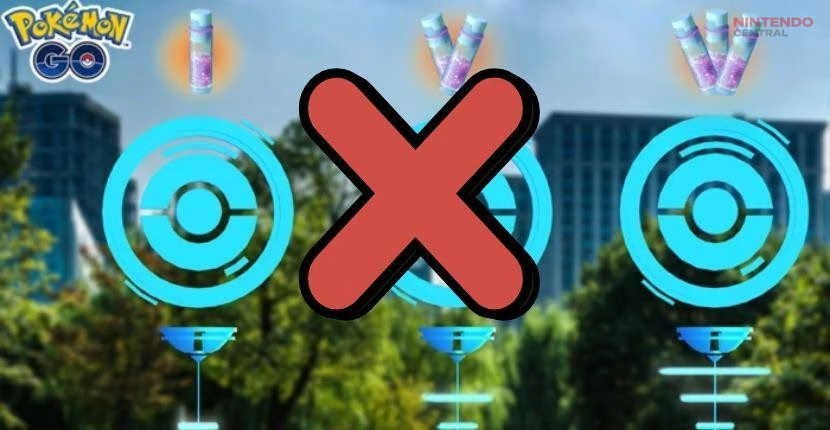
Another common issue involves PokéStops refusing to spin or displaying the “Try again later” message repeatedly.
Sometimes this happens because of speed restrictions. Pokémon GO disables PokéStop interaction if the player is moving too quickly, usually above vehicle speed thresholds.
However, the bug also occurs incorrectly during normal walking or slow travel.
Community troubleshooting guides suggest waiting several seconds because the PokéStop may visually fail to update even though rewards were already collected.
Restarting the app usually resolves persistent spinning issues.
Incorrect phone time settings can also cause interaction problems. Niantic recommends enabling automatic date and time synchronization directly through device settings.
Raid and Battle Lag Problems
Battle lag remains one of Pokémon GO’s biggest frustrations, especially in PvP and high-level raids.
Players commonly report delayed Charged Moves, frozen animations, unresponsive shields, and desynchronized health bars during GO Battle League matches.
Unlike simple app crashes, battle lag often results from server latency rather than device issues. This makes it harder for players to fix directly.
Stable Wi-Fi connections generally reduce lag significantly compared to weak mobile signals.
Closing background apps also improves performance because Pokémon GO battles require continuous server synchronization.
During major global events, server strain can worsen raid lag dramatically. In these situations, players often must wait for Niantic to stabilize servers through backend updates.
Incense and Item Bugs
Incense bugs appear frequently after updates or during large events.
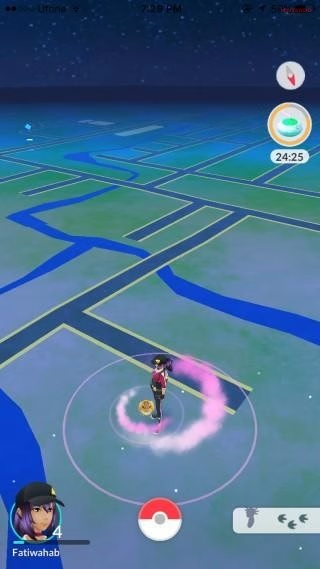
Players sometimes activate Incense, Lucky Eggs, or Star Pieces only for effects to fail visually or stop functioning properly.
According to community troubleshooting guides, unstable internet connections are often responsible.
Switching networks or briefly disabling Wi-Fi can refresh the connection and restore functionality.
Incorrect device clocks can also break timed item systems. Pokémon GO relies heavily on accurate server timing, so manual date or time settings may interfere with Incense durations and Lucky Egg bonuses.
Setting phones to automatic time synchronization usually fixes these problems quickly.
Battery Drain and Overheating
Pokémon GO remains one of the most battery-intensive mobile games because it constantly uses GPS, camera functions, mobile data, and rendering systems simultaneously.
Battery drain becomes especially severe during Community Days, GO Fest events, or long raid sessions.
Niantic and community troubleshooting guides both recommend lowering screen brightness, enabling Battery Saver mode, and closing background applications.
Turning off AR mode also reduces power consumption significantly.
Overheating is closely connected to battery drain. Phones exposed to direct sunlight while running Pokémon GO may throttle performance automatically, leading to lag and crashes.
Portable battery packs remain popular solutions for long gameplay sessions because they help reduce battery stress during extended events.
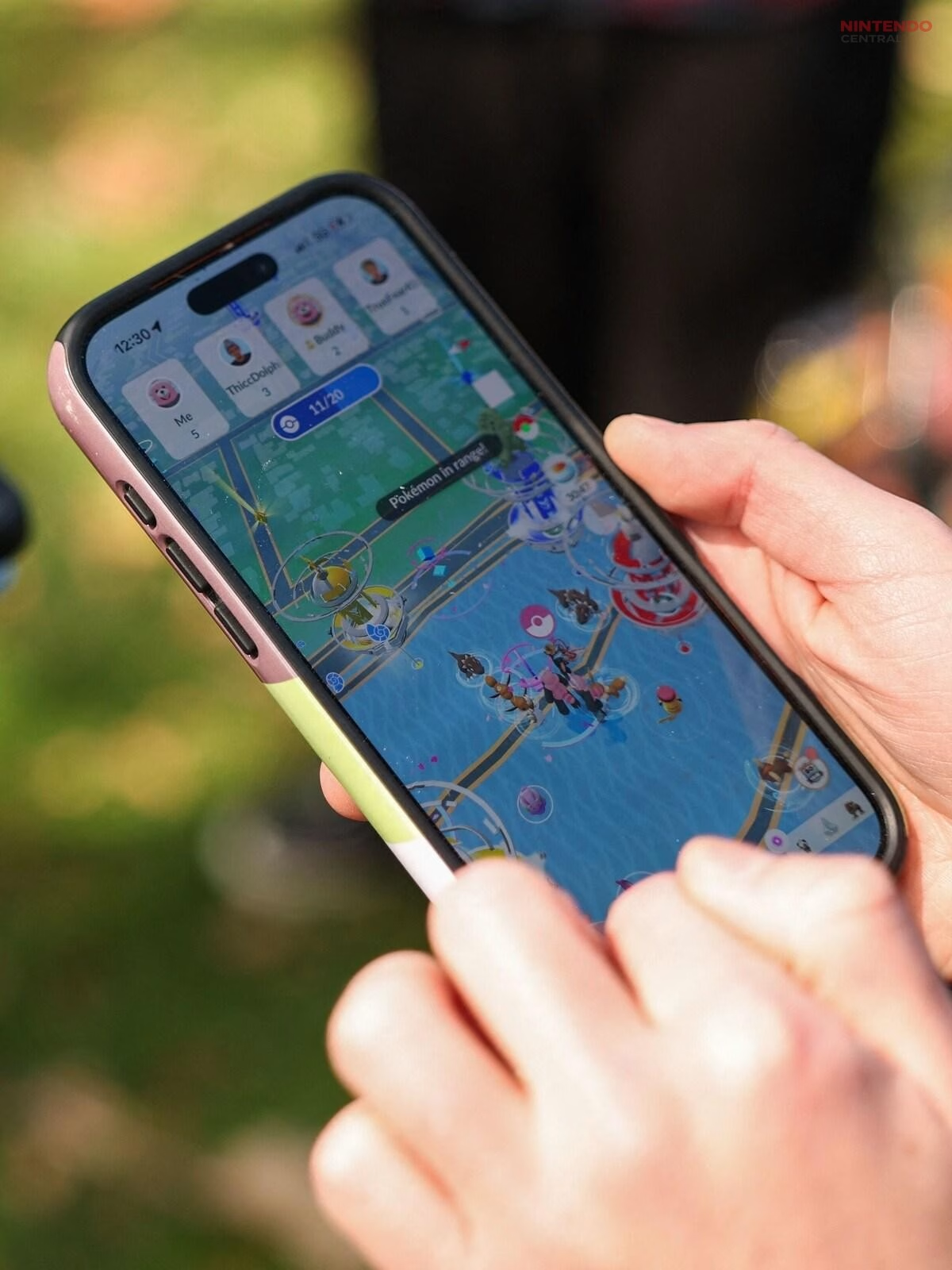
Most Pokémon GO Bugs Have Simple Fixes
While Pokémon GO bugs remain frustrating, most common issues have relatively simple solutions.
Restarting the app, clearing cache data, refreshing game data, updating device permissions, and maintaining stable internet connections solve the majority of recurring problems safely. Niantic’s official troubleshooting guides consistently recommend these steps first before more extreme measures like reinstalling the app entirely.
Community discussions also show that many bugs are temporary server-side issues rather than permanent device problems.
As Pokémon GO continues evolving with new updates and features, technical issues will likely remain part of the experience. However, understanding the most common bugs and fixes can save players significant frustration and help keep gameplay running smoothly.
Another important tip is to keep Pokémon GO updated at all times, especially during major events or seasonal updates. Niantic frequently releases patches that fix bugs, improve stability, and adjust gameplay systems in real time. Players using outdated versions of the app are more likely to experience crashes, missing features, or compatibility issues with newer server updates.
Enabling automatic updates through the Google Play Store or Apple App Store helps prevent many of these problems before they occur. Staying updated not only improves performance but also ensures access to the latest bug fixes and gameplay improvements as soon as they are released.